

Suppose your customer clicks to sign a contract inside your product and lands on a page with a different logo, different colors, and a domain name they don’t recognize. For a few seconds, they’re not sure if they’re still using your platform at all.
That moment can erode the trust you’ve built. It also reminds your customer that a big piece of your product runs on someone else’s tool.
White-label electronic signature software helps solve that problem by keeping the signing experience under your brand. Depending on the provider, this can include your logo, colors, domain, and emails, so customers see your brand throughout the signing process.
This guide covers what can actually be white-labeled, the features worth asking about, eight of the best providers for SaaS platforms and agencies, and what it all costs.
What is White-Label Electronic Signature Software?
White-label electronic signature software lets you remove a vendor’s branding and replace it with your own. Instead of your customers seeing “Powered by [Vendor],” they see your branding throughout the signing experience.
White-labeling can range from simple branding changes, like logos and colors, to deeper control over domains, email, and embedded experiences. Some providers also support different branding for each customer on your platform.
White Labeling for Your Own Brand
In this case, you want the signing experience to look like your product. Email invitations and reminders come from your domain. The signing page shows your logo and colors. Your customers never see the name of the company whose API you’re using behind the scenes.
An HR platform is a good example. Every employee who signs an offer letter or a policy acknowledgment sees the HR platform’s brand, not the signature vendor’s.
White Labeling for Your Customers’ Brands
This case is more complex, and it matters most for multi-tenant platforms, agencies, and resellers. It’s when you give each of your customers their own branded signing experience that they display to their customers.
For SaaS platforms, it’s important to understand whether different customers can have different branding while everything is still managed through the same API account.
Consider a property management platform. Each property management company on the platform might send lease agreements from its own domain, like [email protected], with its own logo on the signing page. The tenant signing the lease should never know the property manager’s software runs on a shared eSignature provider underneath.
Agencies that resell document workflows to clients need the same thing. Each client gets a signing experience branded as if the agency built it from scratch. In this case, it’s important to know whether each customer needs a separate account or a paid sender seat with the eSignature provider.
What Actually Gets White-Labeled in an eSignature Solution
“White label” can mean different things. Some only let you swap a logo. Others let you rebuild the entire signing flow under your own domain. Make sure you understand exactly what you’re getting.
- Logo and color theme on the signing page. The most basic and most visible layer. Almost every provider offers this in some form.
- Custom domain for signing links. Instead of a link that reads app.vendorname.com, signers land on sign.yourcompany.com. This keeps the signing experience consistent with the rest of your product. Some providers reserve customer domains for higher tiers.
- Sender domain and “from” address on notification emails. Signers should receive invitations and reminders from your company, not a third party. This usually requires verifying your domain with DNS records.
- Custom email templates. The subject line, body copy, and tone of every signing email, reminder, and completion notice should sound like your product, not the vendor’s default copy.
- Branded completion certificate and audit trail. The document signers, after signing, and the audit trail behind it should carry your name.
While it’s possible to achieve a seamless experience, some features often remain tied to the vendor or are locked behind expensive tiers.
Full removal of every trace of the vendor, including in the underlying document metadata, isn’t always available, even on paid plans. Custom domains and embedded signing (where the entire flow lives inside your app rather than redirecting to the vendor’s site) are often gated behind the top plan or require a custom enterprise quote. And per-customer branding for multi-tenant platforms is a feature only some providers support at all.
Before committing to a vendor, ask about each item on this list by name. Vague answers like “yes, we support branding” usually mean logo only.
The 8 Best White Label Electronic Signature Software Options
Here’s how eight leading options stack up in terms of white-labeling depth, embedded signing, and pricing.
| Provider | White Labeling | Embedded Signing | Pricing Model | Starting Price |
| SignWell | Logo, colors, custom email, white label API embedding | Included on API plans | Per sender (app) or per document (API) | $10/mo (app) or from $0.85/doc (API)
with lower pricing for higher volumes |
| Dropbox Sign | Logo, colors, legal text via Premium Branding | Requires Standard API tier or higher | Per user (app) plus separate API plan | $15/mo app, $75/mo for embedded API |
| DocuSign | Custom domain and full branding on Enterprise only | Enhanced plan only | Per user plus per envelope | $50/mo developer tier, higher tiers may be required depending on production volume, branding, authentication, and support requirements |
| Adobe Acrobat Sign | Logo and up to five color themes, Enterprise only | Enterprise or custom API quote | Per user plus custom API quote | Custom quote |
| SignNow | Editor, sending flow, and signing page all brandable | Included | Per invite or flat monthly | $146/mo (Professional API, 1,000 invites/yr, billed annually) |
| BoldSign | Logo, colors, multiple brands, custom email domain | Enterprise API tier | Flat monthly plus usage | $30/mo (Enterprise API) plus $0.75 per envelope over quota |
| OneSpan Sign | Full UI, pop up, and email white labeling, Enterprise only | Enterprise plans only | Per user (Professional) or custom (Enterprise) | $22/user/mo entry tier, full white labeling requires custom quote |
| PandaDoc | Custom branding included, full white label branding removal as a paid add on | Available on API plans | API usage plan plus Enterprise/custom options | 60 free documents; API Developer Plan $40/mo after trial |
1. SignWell
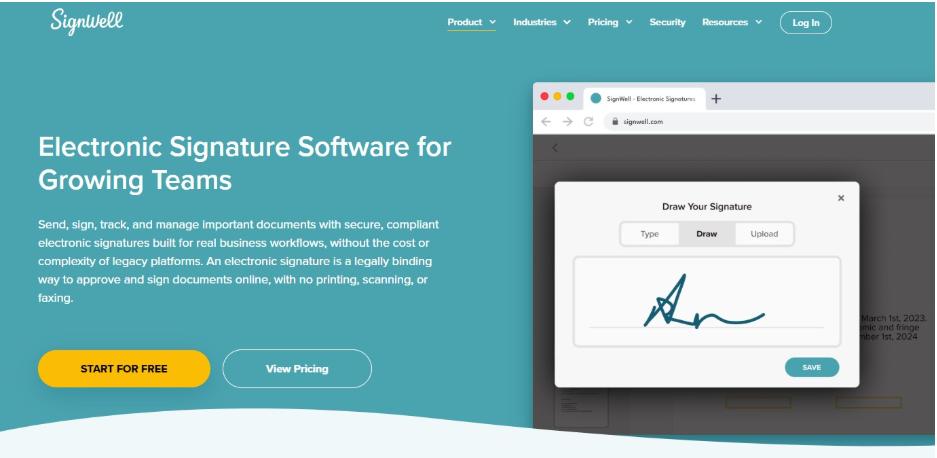
SignWell is built for SaaS platforms, agencies, and developer teams that want a branded signing experience without the enterprise cost.
- Embedded signing, requesting, and template editing can all live inside your product.
- Custom branding on signing pages, including your logo and colors
- Custom “from” email addresses and reply-to settings, so notifications come from your domain
- Comprehensive audit trail and tamper-proof completed PDFs
- SOC 2 Type II audited, with HIPAA compliance
- Simple SDKs, webhooks, and a CLI for teams that want to build fast
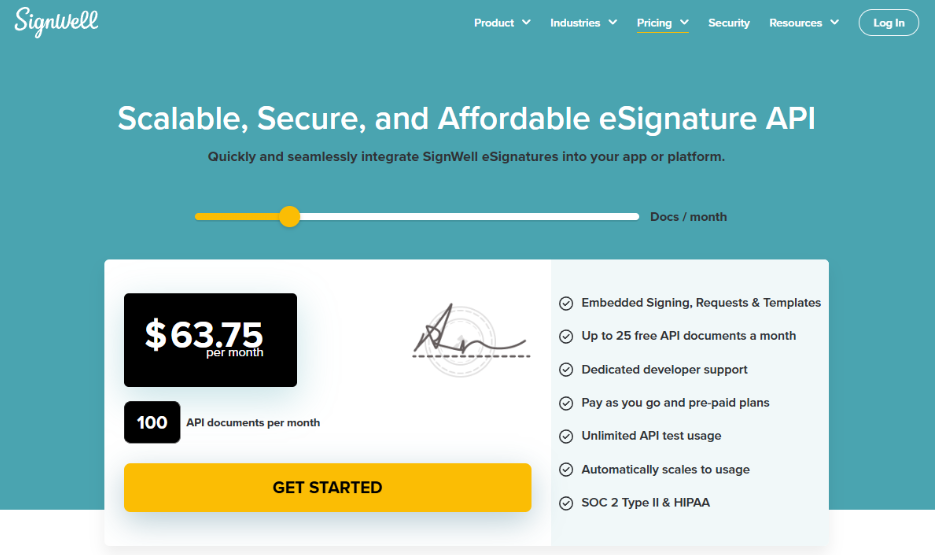
Pricing: App plans start at $10 per month for one sender. API pricing starts at $0.85 per document, with lower per-document pricing for higher volumes. Paid plans include 25 API documents per month.
Limitations: SignWell is focused on eSignatures rather than proposal creation or advanced quoting. If you need those features, another platform may be a better fit.
2. Dropbox Sign
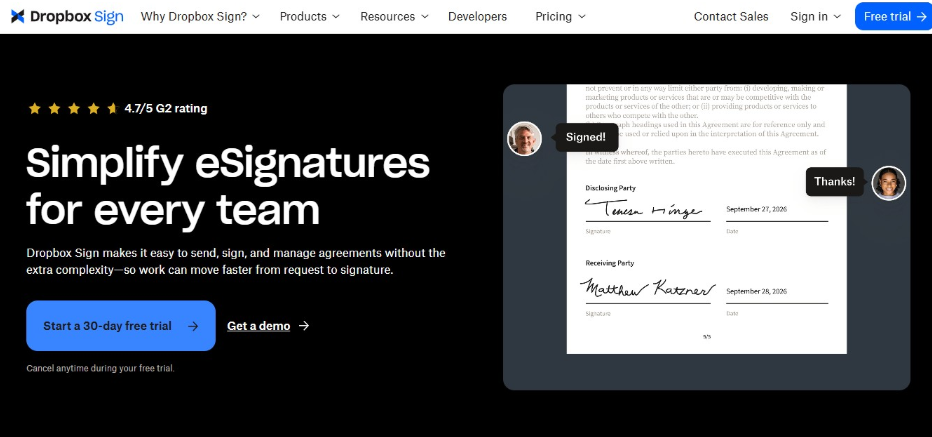
Dropbox Sign, formerly HelloSign, is a developer-focused eSignature API known for clean documentation and fast integration. It suits teams that already lean on Dropbox’s ecosystem and are comfortable paying separately for the web app and the API.
- Premium Branding feature lets you customize the logo, color scheme, and legal text
- Embedded signing and embedded requesting, including iframe-based embedded requesting
- Six official SDKs across major languages, generated from a public API spec
- SOC 2 Type II, ISO 27001, and GDPR compliance built in
- Free test mode for development, with non-binding, watermarked test signature requests.
Pricing: The app starts at around $15 per user per month, billed annually. Embedded signing and embedded requesting require the Standard API plan or higher, which costs $75 per month and is billed separately from the app.
Limitations: App and API pricing follow two separate tracks, so combined costs can climb quickly. Advanced branding and features like data residency and SMS authentication are locked to higher or custom tiers.
3. DocuSign
DocuSign is one of the most recognized names in the category. It’s best for large enterprises that already run on DocuSign for other workflows and need broad compliance features.
- Custom branding on signature request emails, including logo and welcome message
- Broad integration library, including Salesforce, Workday, and ServiceNow
- PowerForms for publishing reusable, self-service signature workflows on a website, plus API-based embedded signing for in-app experiences
- Deep compliance coverage across regulated industries
- Mature API with detailed documentation
Pricing: DocuSign offers a free developer account for testing. Production developer plans start at $50/month, billed annually, though most important features are locked behind higher tiers. Enhanced plans with high sender volumes require a sales conversation.
Limitations: For smaller or cost-sensitive platforms, a custom or higher-tier commercial model may be harder to forecast than a simple published usage-based API price. That pricing structure makes DocuSign a hard fit for smaller platforms trying to control costs.
4. Adobe Acrobat Sign
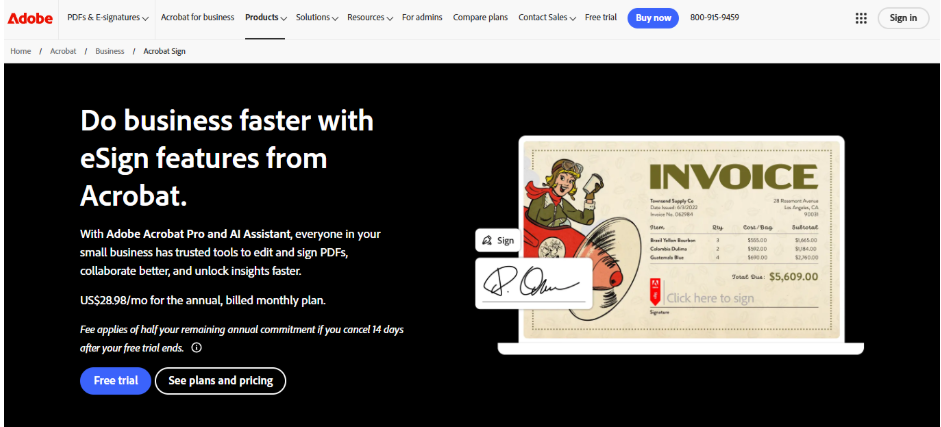
Adobe Acrobat Sign combines Adobe’s broader document tools with eSignatures. It can be a strong fit for teams already invested in the Adobe ecosystem.
- Custom branding for signature emails, including logo, tagline, and welcome message.
- Workflow design tools and advanced roles and permissions on Enterprise plans
- Integrations with Microsoft 365, Salesforce, Workday, and other enterprise systems
- API access for embedding signing into custom applications
Pricing: Confirm API production entitlement and plan requirements with Adobe for your deployment. Full API access requires a custom enterprise quote.
Limitations: Beyond the high cost, Adobe Acrobat Sign also has file size and page-count limits. Users also say the platform is complex and unintuitive. Setup for branding reportedly takes two to four weeks.
5. SignNow
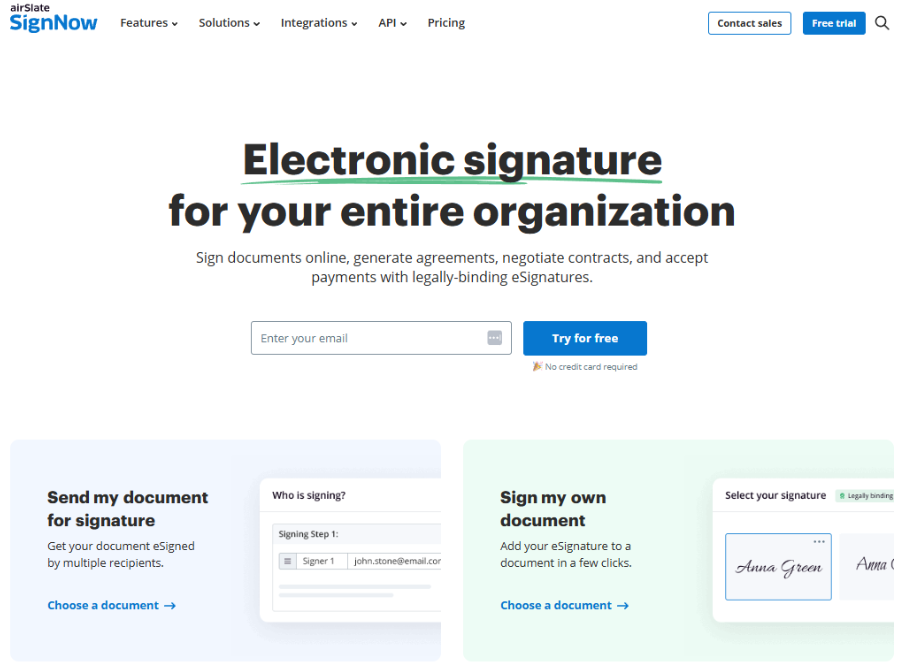
SignNow, part of airSlate, combines editing, sending, and signing in one package. It’s right for teams that need everything in one workflow, not just the signing page.
- Full white-label control over the document editor, sending workflow, and signing page
- Embedded signing supported directly through the API
- Per-invite pricing that can work out cheaper than seat-based competitors at moderate volume
- GDPR and HIPAA support for regulated workflows
Pricing: The published Professional API plan costs about $146 per month with an annual commitment and includes 1,000 signature invites/year. Higher volume pricing is quote-based.
Limitations: SignNow API access is separate from SignNow’s business/web application plans, unless you purchase a site license that combines both. Documentation on webhook depth and the exact scope of branding controls is less transparent than that of some competitors. Pricing beyond the entry tier requires a sales conversation.
6. BoldSign
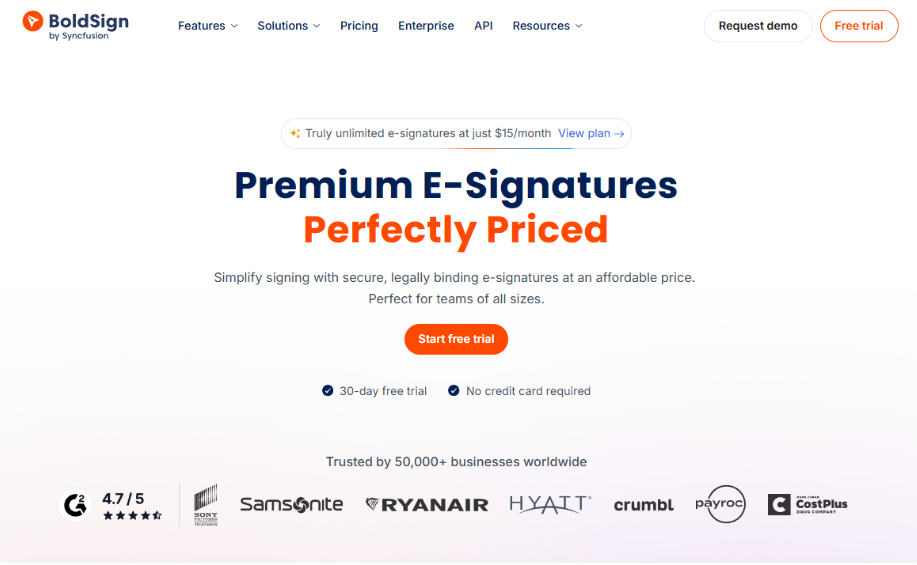
BoldSign positions itself as an affordable, developer-friendly option. It offers budget-conscious teams and small agencies multi-brand support without requiring them to jump straight to enterprise pricing.
- Multiple custom brands are supported starting on the Growth plan
- Custom email sending domains, available as an add-on
- Embedded requesting and embedded signing on the Enterprise API plan
- SDKs across C#, Python, Java, Node, and PHP, plus a public API explorer
Pricing: The Enterprise API plan starts at $30/month with 40 envelopes. Additional envelopes cost $0.75 each.
Limitations: Full custom domain routing for the signing page is reserved for Enterprise contracts. Some key features (such as SMS authentication, bulk sending, or ID verification) are add-ons priced separately.
7. OneSpan Sign
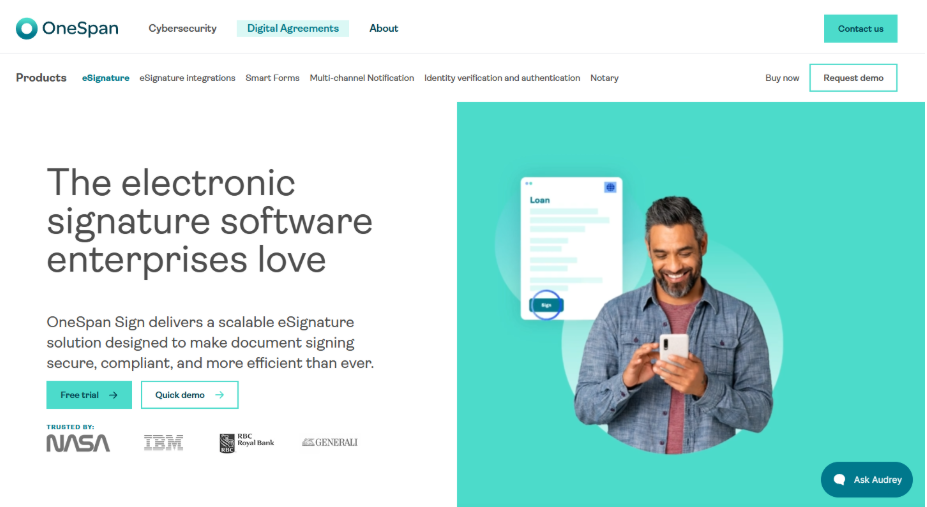
OneSpan Sign is a bank-grade eSignature platform for financial institutions, insurers, and other heavily regulated organizations. Its OEM and ISV track is built for vendors who want to embed signing into their own software and resell it.
- Full white labeling of the signing UI, pop-ups, and email notifications
- Custom sender addresses, tailored email copy, and bespoke landing pages for signing sessions
- Multi-account support with data segregation (good for platforms serving many separate customers)
- Deep identity verification and fraud prevention tools, built for financial institutions and governments
- Public REST API with SDKs for .NET, Java, and APEX
Pricing: The Professional does not include API access or white-labeling. Both require the Enterprise plan, which is custom quoted.
Limitations: The features that matter most for a white-label SaaS use case, like API access, embedded signing, and white-labeling, all sit behind a custom Enterprise quote. OneSpan does not publish a public starting price for the full OEM/ISV configuration described here.
8. PandaDoc
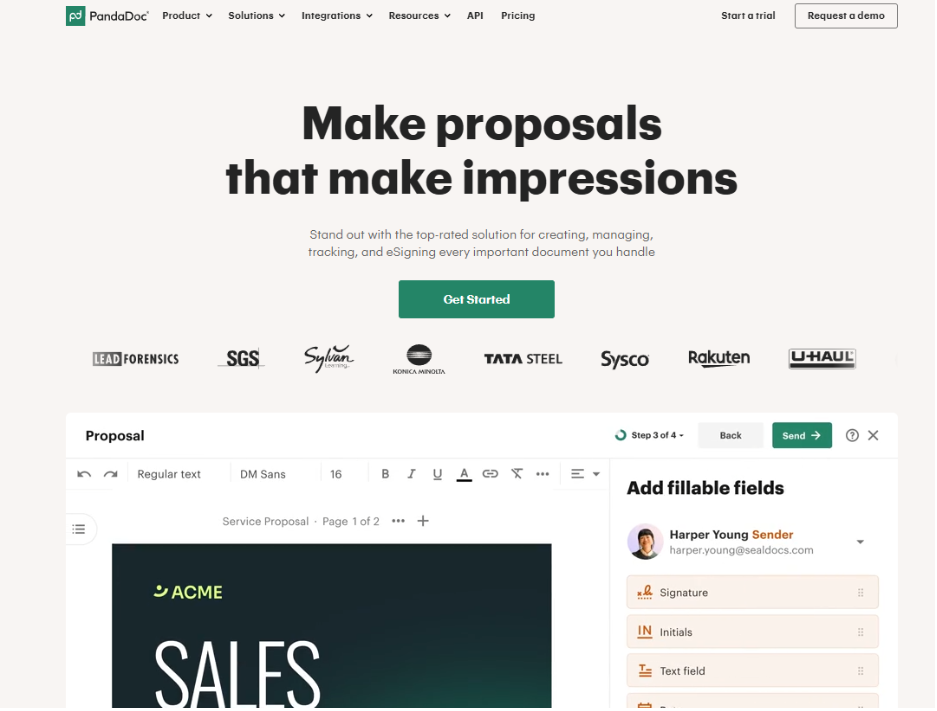
PandaDoc is a comprehensive platform that includes document generation, proposals, and eSignature within a single workflow. It’s good for sales teams building quotes and contracts in the same flow.
- PandaDoc offers document branding, reusable templates, and plan-dependent customization options. Confirm the branding scope for your selected plan.
- Embedded signing available through the API for teams building it into their own product.
- A library of over 400 templates alongside CRM integrations like HubSpot, Pipedrive, and Salesforce.
- Audit trail and analytics on document activity.
- SOC 2 Type II, GDPR, and ESIGN Act compliance across plans.
Pricing: Plans run from $19/month/user up to custom Enterprise pricing. API access is priced separately and isn’t published, so you’ll need to contact sales for a quote.
Limitations: Full removal of PandaDoc’s own branding is a paid add-on. Higher-volume or enterprise API requirements may require custom pricing. If you only need simple signing, the document generation features add cost and complexity you won’t use.
How Much Does White Label eSignature Software Cost?
Pricing for white-label eSignature tools varies across vendors, but it generally falls into three models.
Per seat: You pay for each person on your team who sends documents, regardless of how many they send. This is fine for internal teams, but it doesn’t work for a platform reselling signing to hundreds of end customers, since you’d need a seat for each of them.
Per document: You pay based on how many documents (sometimes called envelopes) go out for signature. This model scales more naturally with usage and often fits better for platforms that embed signing into a product, since your cost matches your customers’ actual activity.
Enterprise or site license: This is a flat, custom-quoted fee that usually unlocks the deepest branding options and sending volume.
If you’re reselling or embedding signing into a product other people will use, a per-document or usage-based model usually keeps your costs aligned with your revenue.
How to Choose the Right White Label eSignature Provider
These practical steps will help you pick an electronic signature software provider that meets your needs.
- Decide whether you need one brand or a brand per customer. This decision eliminates half the market. If you’re a multi-tenant platform, make sure the provider supports isolated branding and isolated data per customer account.
- Review all customer touchpoints, such as the signing page, emails, domain, and completion certificate. Do they feel part of a seamless experience?
- Check the finished PDF and completion certificate. Request a sample. Some providers still stamp their own name on the certificate of completion even when the signing page itself is fully branded.
- Test the API and sandbox. Have a developer spend an afternoon with the sandbox before you sign anything. Documentation quality and real integration time vary.
- Confirm which plan unlocks white labeling and what it costs at your volume. Many vendors advertise branding as a headline feature, then gate the parts that matter (like custom domains) behind an enterprise quote. Ask for the price at your actual expected volume, not the entry tier.
- Check the compliance list against your industry. If you’re in healthcare, finance, or another regulated space, confirm SOC 2, HIPAA, GDPR, or other required certifications are included.
Want to Resell or Embed eSignatures? Join the SignWell Partner Program
If you’re evaluating white-label eSignature software because you plan to resell it or build it into your product, the SignWell partner program is worth a look before you sign anything else.
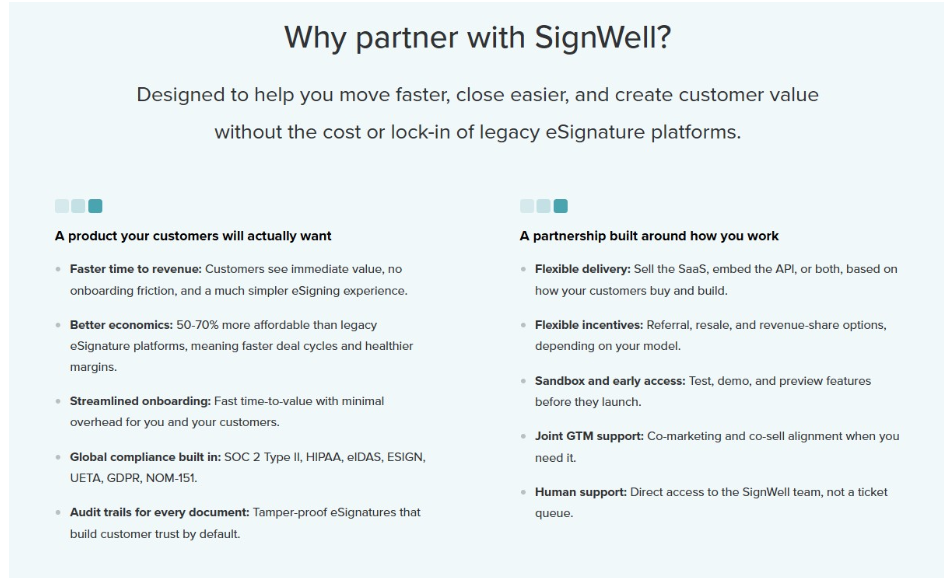
There are two ways to partner:
The channel path is for teams that want to sell, refer, or service SignWell for their customers. It’s a good fit for MSPs, resellers, affiliates, distributors, and consultants.
The technology path is for teams that want to embed or white-label signing, request/send, and template editing directly into their product via the API. It’s right for ISVs, SaaS platforms, and developer teams.>
Partners get access to flexible incentives across referral, resale, and revenue share models, a sandbox for testing, and support from the SignWell team. Pricing is also built to protect your margins, since SignWell tends to run meaningfully cheaper than most eSignature platforms.
Why Teams Choose SignWell for White Label eSignatures
Teams choose SignWell for a fully branded signing experience without an enterprise budget or a long setup timeline.
Embedded signing and embedded template editing let you build the whole document workflow into your product. White-label embedding through the API means your customers never see SignWell’s name.
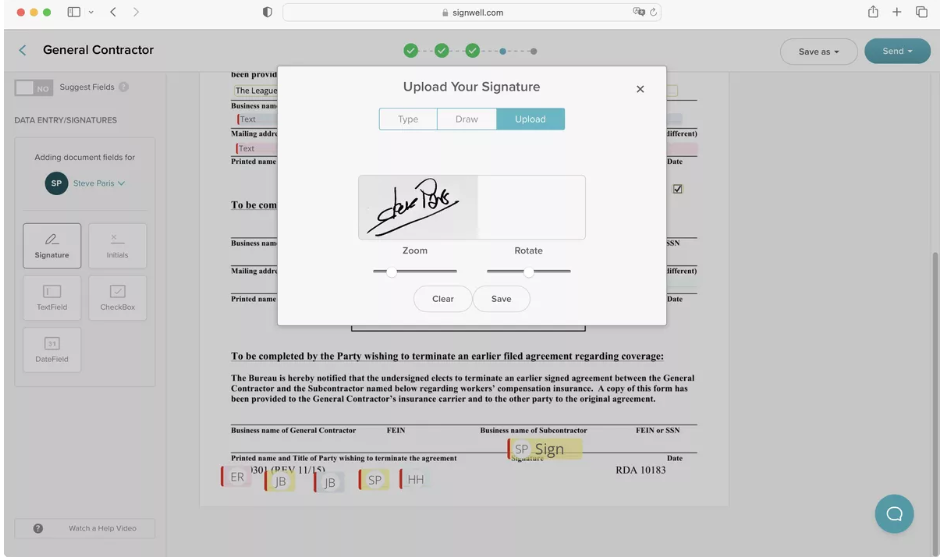
Pricing is usage-based with no seat limits, so your costs scale with your actual document volume instead of the size of your team. Integration is fast, with SDKs, webhooks, a CLI, and clear documentation that a developer can work through in an afternoon. And compliance, including SOC 2 Type II and HIPAA, comes standard rather than sold as an upgrade.
If you’re weighing SignWell against the market leader, see how SignWell stacks up as a DocuSign alternative, or browse the best electronic signature software for a wider comparison.
Ready to try it? Sign up for free and see how fast you can get a branded signing flow running.