Send contracts, forms, and agreements for eSignature without leaving Claude, Cursor, or your favorite AI tool. The SignWell MCP Server integrates SignWell's electronic signature platform directly into your AI assistant, allowing you to create, send, track, and download signed documents through natural conversation.
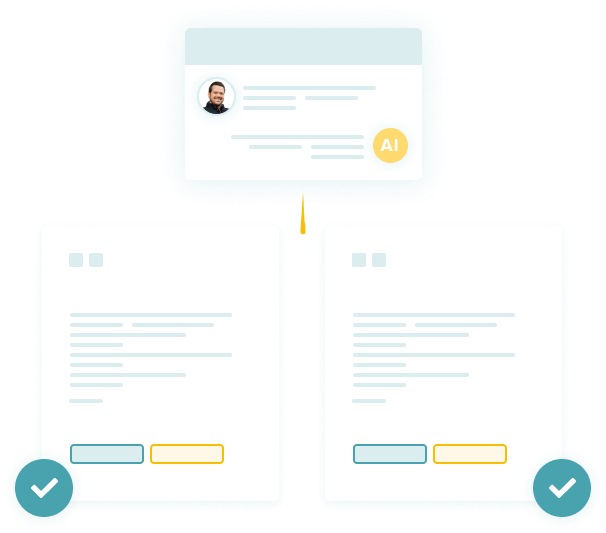
No app switching. No browser tabs. Just ask.
Upload a file or have Claude write one from scratch
Reuse contracts, forms, or agreements you've already set up with different signers
Set up contracts and forms you send regularly, then reuse them with different signers
See who signed and who's still pending
Grab the final document with a full audit trail
Nudge signers who haven't signed yet
Check by running node --version in your terminal. If you need it, grab it from nodejs.org.
Know exactly when a document is viewed and signed—plus get automatic reminders.
Log in to SignWell, go to Settings > API, and copy your API key.
Supported clients include Claude Desktop, Claude Code, Cursor, or other MCP-compatible clients (see Manual Configuration below).
Tip: Want to see what the wizard will do before it makes changes? Add --print to the setup command.
The fastest way to see this working is to tell your assistant what you want:
You: "Send my sales agreement to [email protected] for signature."
Here's what happens:
The assistant opens a file picker to let you select your document.
It creates a draft in SignWell with X as the signer.
It returns a link to the draft so you can place fields and send the document.
Every document starts as a draft. Nothing gets emailed until you explicitly confirm. You always get a chance to review before anything goes out. While uploaded documents will need fields placed, any documents you’ve set up as a template in SignWell can be directly sent from your AI chat.
Prompt:
"I need to send contract.pdf to [email protected] for signature."
Prompt:
"Send an NDA using my NDA template to Sarah Chen at [email protected] as the Counterparty. Use my details for the Company role."
Prompt:
"What's the status of my Sales Agreement?"
Prompt:
"Create a template from my NDA document. It should have two signing roles: 'Company' and 'Counterparty'."
Prompt:
"Draft a simple freelance agreement between my company, Acme Corp, and a contractor named Jane Doe at [email protected]. Include sections for scope of work, payment terms, and termination. Add fields using SignWell text tags, then send it to Jane for signature."
Prompt:
"Download the signed PDF for my Sales Agreement."
Prompt:
"Send a reminder to [email protected] for the Contractor Agreement."
Text tags let you control exactly where signature, date, and text fields appear in your document. The format is
{{type:signer_number:required}}.
Prompt:
"Send the offer letter to [email protected] first, then to [email protected] second. They should sign in that order."
Prompt:
"Send the agreement to [email protected] for signature and CC [email protected]."
Maximum file size: 25 MB.
"SignWell tools are not available": Make sure you ran the setup wizard and restarted your AI client. Verify Node.js v18+ is installed.
"Invalid API key" or "Authentication failed": Double-check your API key in SignWell Settings and re-run the setup wizard.
"File too large": The maximum upload size is 25 MB. Compress your file.
Documents stuck in "Draft" status: You need to confirm sending. Ask your assistant to send the draft.
"Text tags not found" or "Malformed tags": Ensure tags follow the correct format, and your PDF contains real text, not scanned images.
You need an active SignWell account with API access, which is available on paid plans. SignWell MCP works with any MCP-compatible AI client, including Claude Desktop and Code, and Cursor. If your client isn't listed, you can configure it manually using the steps in the Manual Configuration section above.
Yes! Documents are transmitted directly to SignWell's servers over encrypted connections. Your AI assistant does not store or retain your files beyond the current conversation. Signatures generated through SignWell comply with major eSignature laws, including the U.S. ESIGN Act, UETA, and the EU's eIDAS regulation. Every completed document includes a full audit trail with timestamps, IP addresses, and signer identity information.
Signers receive an email with a link and can sign directly in their browser, no registration or app download needed. The signing experience is fully mobile-friendly, so signers can complete documents from any smartphone or tablet.
When you send a file, you upload a document each time and define the signers on the spot. A template is a saved version of a document with predefined signing roles, so you can reuse it without re-uploading or reconfiguring it each time. Templates are ideal for contracts, NDAs, and any other agreements you send regularly.
The most common cause is forgetting to restart your AI client after running the setup wizard. Fully close and reopen your client, then try again. Also, confirm that Node.js v18 or newer is installed by running node --version in your terminal. If the issue persists, re-run npx signwell-mcp setup to verify your API key is configured correctly. You can always check the GitHub repository for more information.
Questions or issues? Reach out to the SignWell support team at [email protected].
We’re available by email, phone, or over a Zoom call to support you whenever you need it.