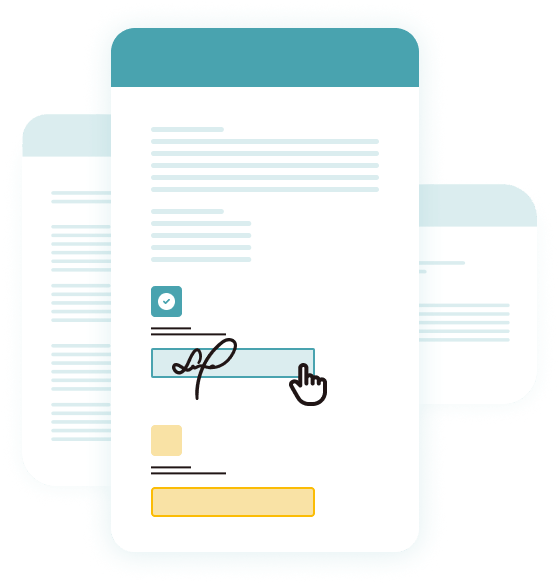
Secure, legally binding electronic signatures collected on the spot, making your signing process faster and more efficient.
Don't let paperwork slow you down. With in-person signing, you can finalize agreements right then and there. It's fast, convenient, and eliminates the follow-up loop.
Forget clipboards and printed forms. Hand your client a tablet or laptop and let them complete documents digitally in an easy-to-use, guided interface.
Every in-person signature is legally binding and comes with a built-in audit trail, so you always have proof of who signed, when, and how. Documents are locked from edits and stored securely in your SignWell dashboard.
When the signing happens in person, you can manage the context—no lost emails, missed fields, or delays. Everything gets done in real time, under your guidance.
Collecting signatures in person using electronic tools helps streamline the signing process, eliminating the need for paper, printing, scanning, and mailing documents.
With SignWell, you can capture signatures instantly on any device, whether it's a tablet, smartphone, or laptop.
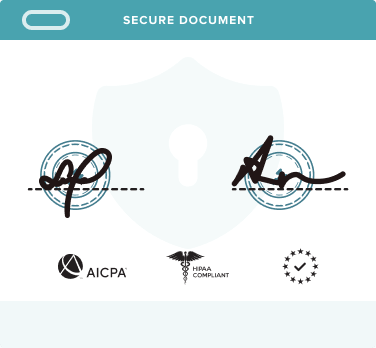
Every in-person electronic signature is securely encrypted, ensuring that your documents and signer's information are kept private and safe.
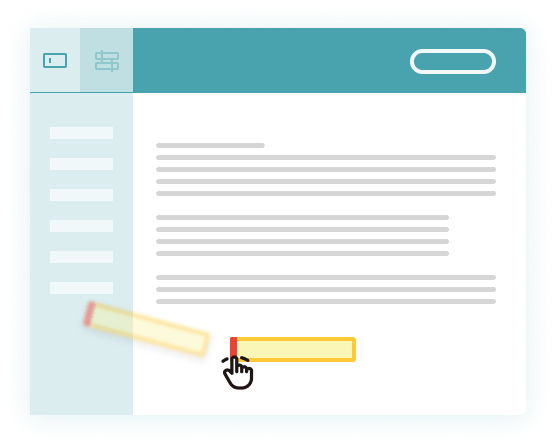
SignWell allows you to place signature fields exactly where you need them in the document, ensuring that all required fields are filled out properly during in-person signing.
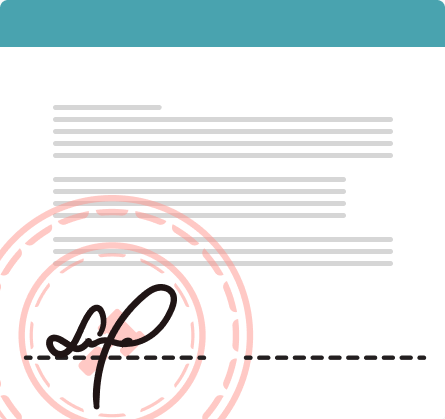
All signatures are compliant with U.S. and international eSignature laws, ensuring documents are enforceable and secure.
SignWell integrates easily with your existing workflows and software, so you can quickly implement in-person electronic signatures across your business.
Start by creating a document template in your Templates dashboard. Upload your document and add all the required fields such as signatures, dates, and any text inputs. Assign these fields to the appropriate recipients. Templates save you time and ensure consistency, especially if you're collecting signatures frequently or from multiple people.
Once your template is ready, click "Use" and select "Sign In Person." This sets the document up for immediate, face-to-face signing. Choose the first signer, they'll enter their name and email on your device.
Then, they'll be guided through their assigned fields. After completing their section and clicking "Save & Finish," the next signer (if there is one) will be prompted to continue the process on the same device.
After all signers have completed their parts, you can download the fully signed document or manage it directly from your Documents dashboard. The signed file is securely stored in your account, making it easy to access, track, or share whenever needed.
Agents and brokers can collect electronic signatures during in-person property viewings or contract signings, speeding up the closing process.
Law firms can gather signatures for agreements, contracts, and client documents during meetings, reducing delays in client interactions.
Healthcare providers can use in-person electronic signatures for patient consent forms and medical documents, ensuring quick and secure signing.
Sales teams can collect signed agreements, contracts, or order forms during face-to-face meetings, speeding up deal closure without needing to send documents back and forth.
Insurance agents can have clients sign policies and claims forms electronically on-site, streamlining the approval process and reducing paperwork.
Teams can collect electronic signatures on-site, reducing delays and keeping production moving efficiently.
SignWell is not just about signatures - it's about making decisions happen faster. When it becomes complicated, people say, 'I'll do it later.' With SignWell, they just do it right away.
SignWell has enabled us to focus on what truly matters—our people and their communities. It's not just about saving time; it's about making a difference. And that's exactly what we're doing with SignWell.
SignWell is helping us save time and streamline operations now, but I see it becoming an even more powerful tool for innovation as we grow.
Yes. Templates are reusable, making it easy to launch in-person signing sessions repeatedly without setting up the document each time. Just click "Use" on the template and start a new session.
Absolutely. In-person electronic signatures collected through SignWell meet all U.S. and international eSignature law requirements and are backed by a detailed, tamper-proof audit report.
You can use any modern phone, tablet, or laptop with a web browser. There's no app download required, so you can sign on the spot using the tools you already have.
No. Your signer doesn't need to create an account or enter login details. They simply complete the document and hand it back. Quick, secure, and hassle-free.
Yes. Add your business logo, adjust the color scheme, and tailor the signing flow to reflect your brand. You control the look and feel of every in-person signature interaction.
Yes, SignWell supports in-person signing for one or multiple signers. After each signer completes their part, you'll be prompted to hand the device to the next person until all required signatures are collected, perfect for group approvals or on-site agreements.
Streamline your document signing process with in-person electronic signatures. Secure, fast, and stress-free.